Designing a responsive website and branding for a local coffee shop.
Inman Perk Coffee is a local coffee shop in the Inman Park neighborhood of Atlanta, Georgia. Starting out as one family-owned outpost, Inman Perk eventually grew to support two locations, one in Atlanta and one in Gainesville. However, in early 2020, the family sold the Inman Park location.
Today, Inman Perk Atlanta operates on its own but still serves the specialty beverages and baked goods that made it a neighborhood favorite in the first place. Additionally, Inman Perk distinguishes itself from other shops by playing an active role within the community. The shop sources their coffee beans locally and encourages local artists and bakers to sell their products in the store.
Inman Perk Coffee has an outdated logo and no central online presence for users to find information about the company. Users have to search separately through Inman Perk’s Instagram, Facebook, or Toast Takeout page to find information or place an online order.
UX/UI Designer and Researcher
4 weeks
Before jumping into research, I outlined all the assumptions around the problem. In doing this, I could set out to validate them in a way that would mitigate bias in the user research.
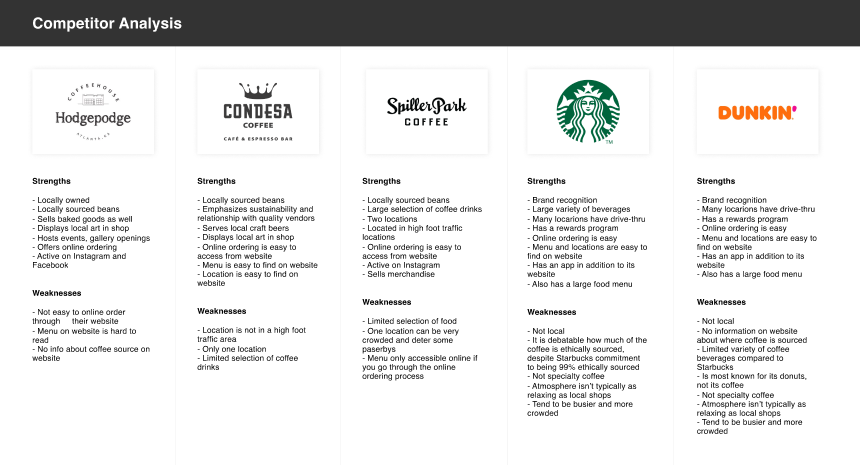
I wanted to understand if there were any best practices around designing local coffee shop websites and how Inman Perk’s competitors were solving similar problems and so I conducted a competitor analysis. I researched local coffee shops within a 5 mile radius of Inman Perk and also analyzed two of the large chain coffee shops nearby.
Some key findings:
After conducting some secondary research, I sought out to gather insights directly from the users. Because the customers of local coffee shops make up such a broad range of users, I conducted guerilla testing as my primary research method. In order to identify users specific to Inman Perk Coffee, I set up a table outside the shop with a sign requesting customers' opinions in exchange for a free drink. Thankfully, people were happy to take me up on my offer!
Among 6 participants, ages 25 and up:
User Pains:
* Despite my assumption that most people would want an easier way to order online, customers were more likely to bring up other concerns in the interviews. I learned that while most thought an online ordering feature would be nice, it might not be their primary action when coming to the site. Instead, they might go to Inman Perk's website to look up general information or to find out if a seasonal menu item was available.
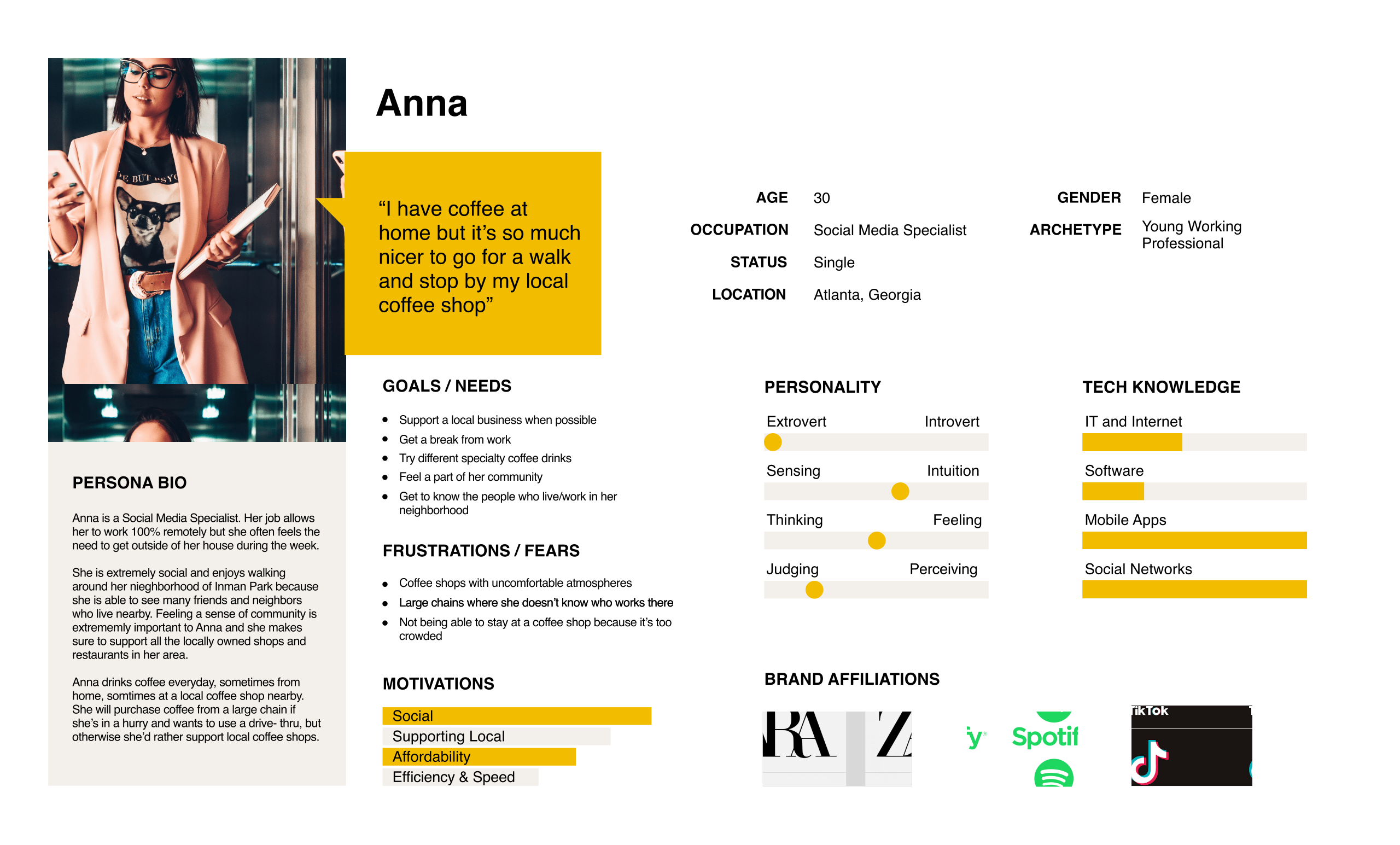
After talking to the users, I created a persona whose goals and needs would represent those of a large subset of Inman Perk Coffee users. This helped me define and understand who I was designing the product for. Click the image below to enlarge.
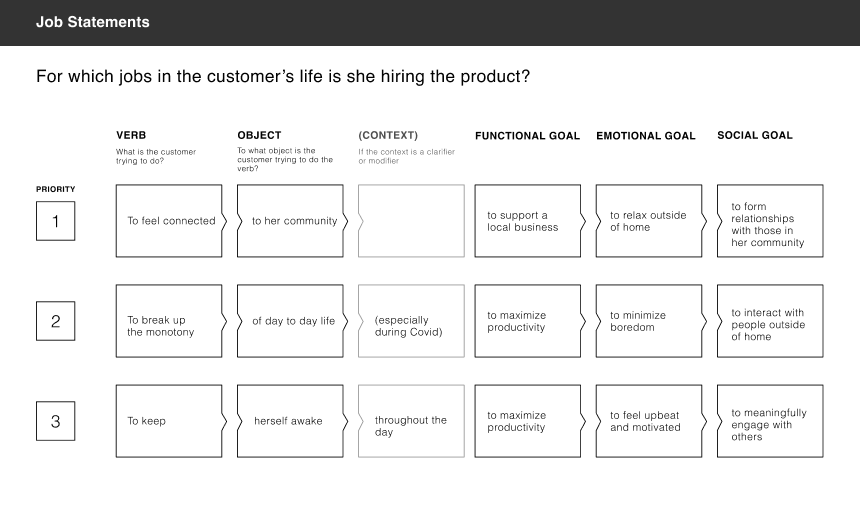
Based on the guerilla testing and user persona, it was apparent that users seek out local coffee shops for many reasons other than just purchasing a caffeinated beverage. There were deeper emotional and social needs that users were looking to fulfill. In fact, many of my research participants explicitly stated that they could make perfectly good coffee at home. Despite this, they would still come to Inman Perk Coffee. Using the Jobs to Be Done framework, I constructed job statements to discover what “job” the users were really hiring a local coffee shop to do. This way, I could make sure the final product would meet those underlying needs. Click the image below to enlarge.
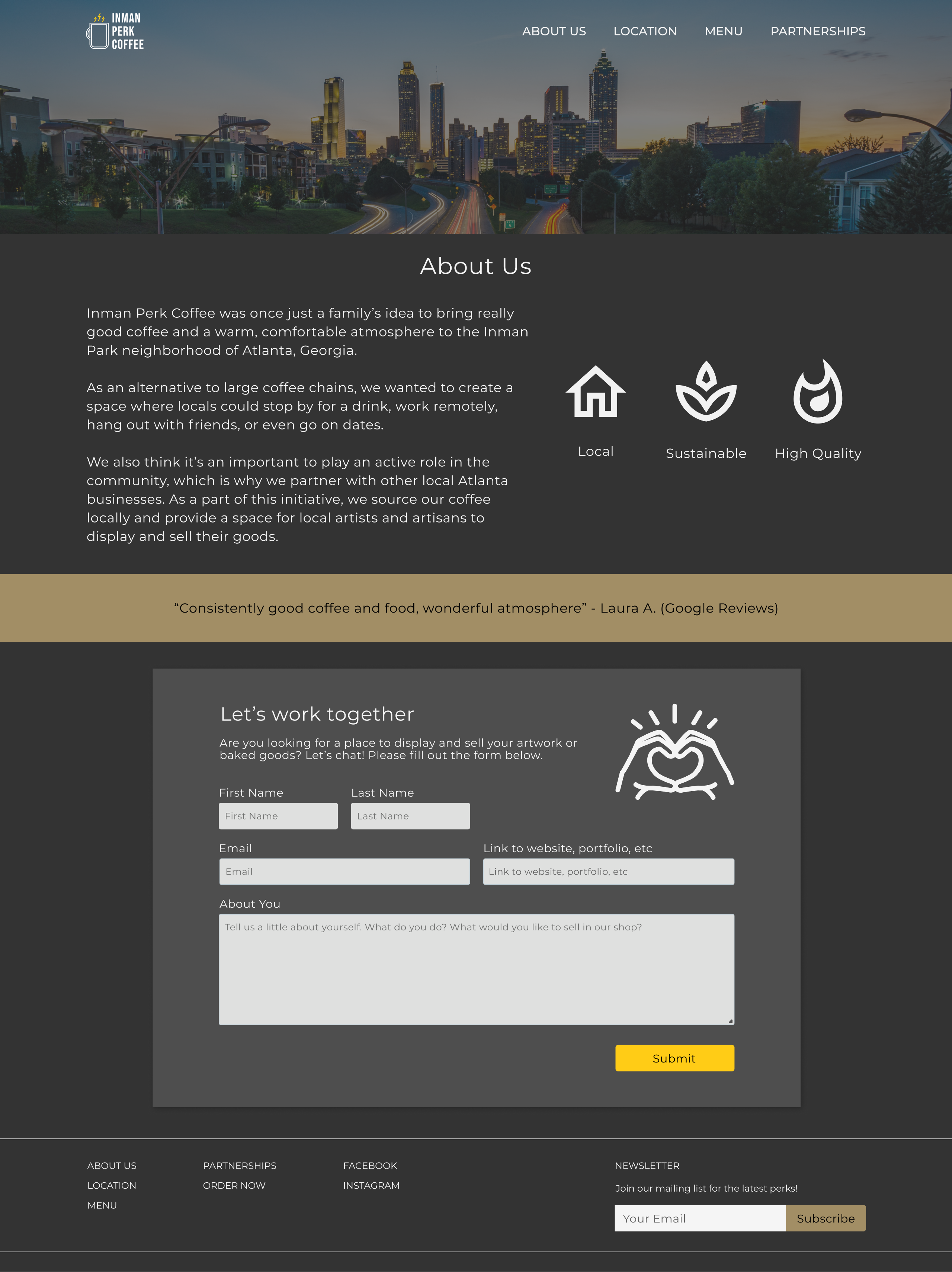
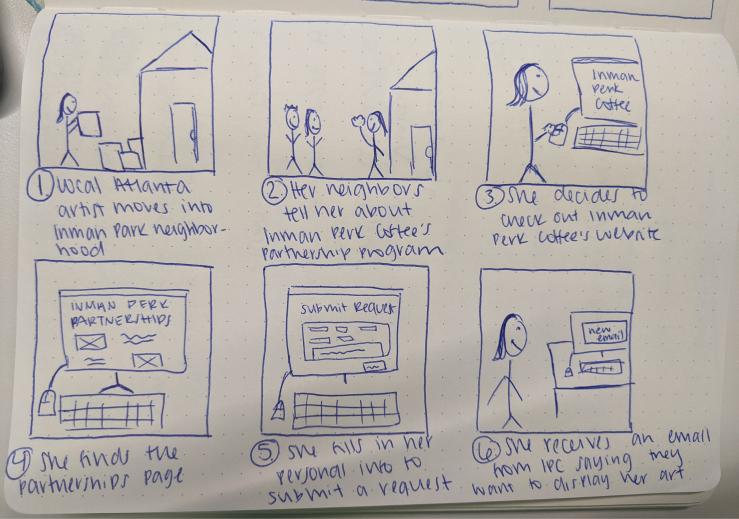
Because Inman Perk Coffee also works with local business owners to promote their work, I created a user storyboard that would highlight the specific goals and needs of this type of user. In this case, a local artist who is interested in displaying her work on the walls of the coffee shop. Click the image below to enlarge.
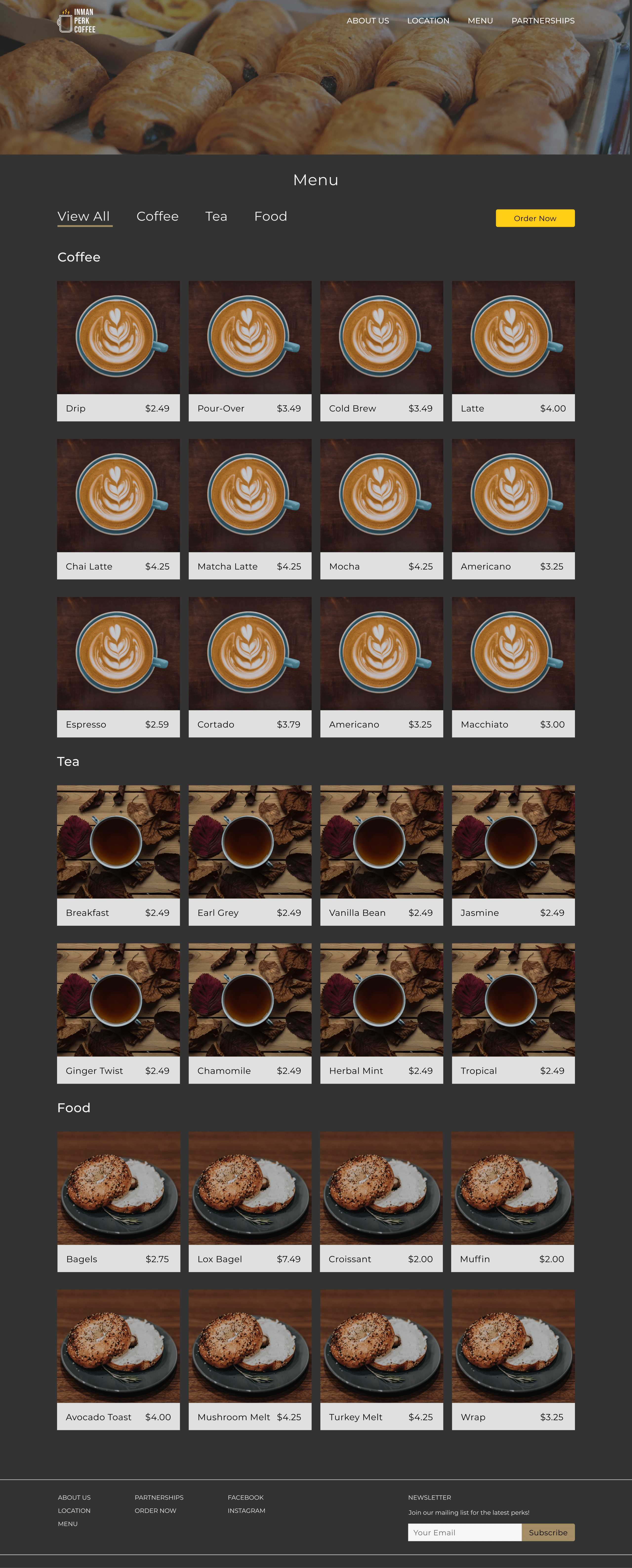
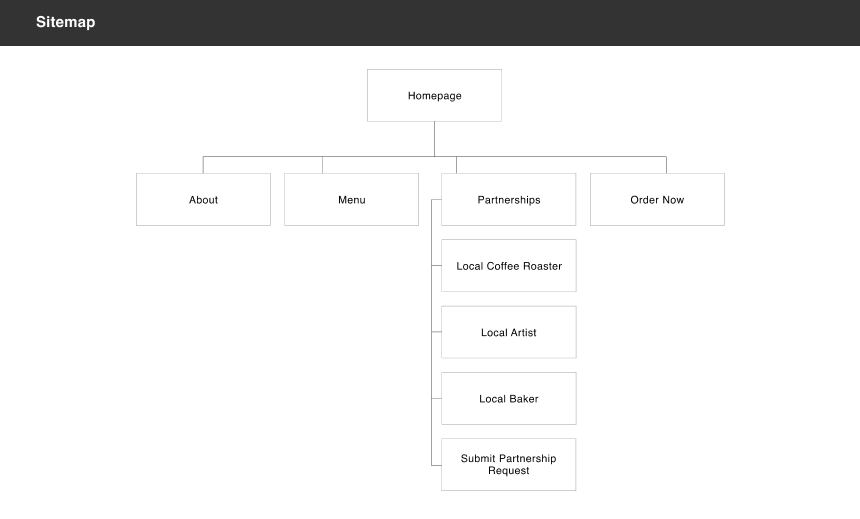
After gaining an understanding of the different users and their basic needs and goals, I created a sitemap that would lay out how the website would be organized. Keeping in mind users will most likely come to the site for quick answers, I kept the information architecture as simple as possible and displayed most of the pages as links on the top navigation bar.
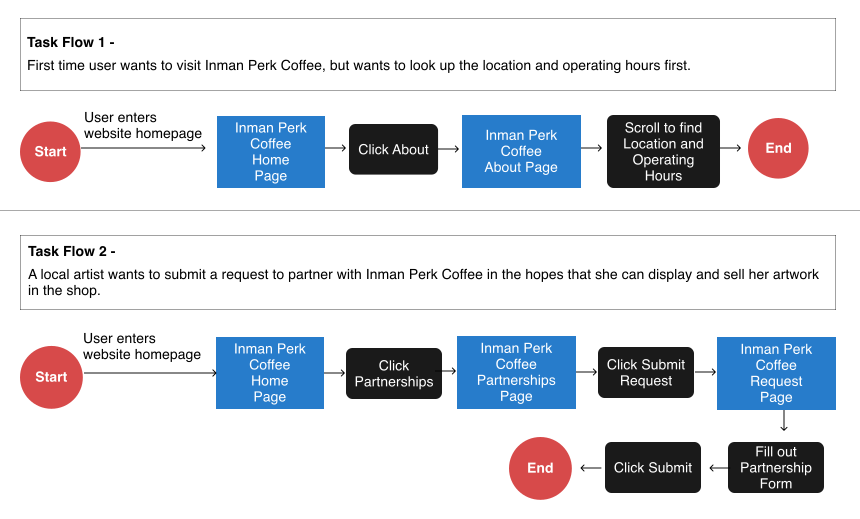
I then began outlining the flows to demonstrate the user's progression for two major tasks:
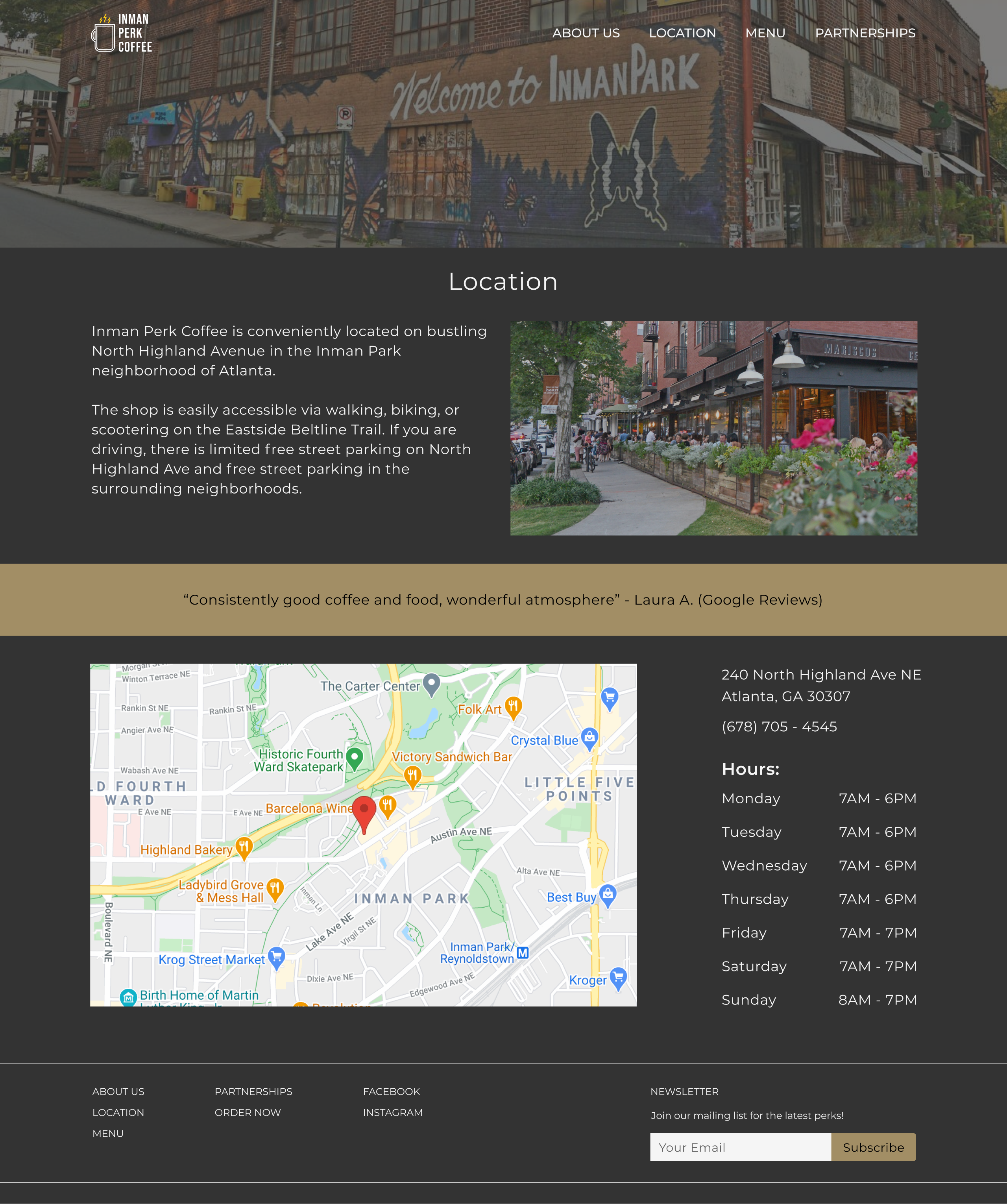
1. Looking up the shop's location and hours of operation
2. Submitting a partnership request form
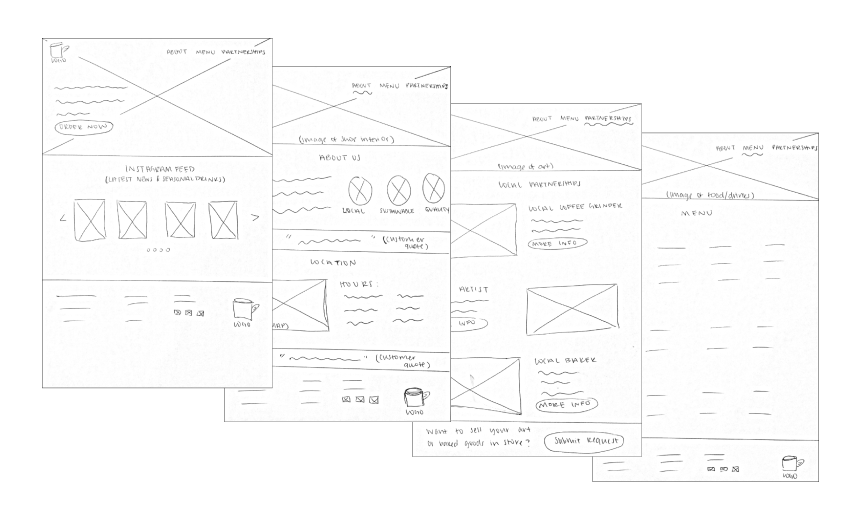
With the basic skeleton of the website ready, I began sketching potential design solutions. Creating low-fidelity wireframe sketches allowed me to explore many ideas quickly, without investing too much time in any one design. This was especially useful, as I quickly realized that some designs might look great on a desktop, but not work well on a mobile device. Additionally, I tried to keep in mind which features would be feasible for a small business to maintain. Although I thought it could be advantageous to display current art for sale in the shop, I knew Inman Perk Coffee didn't have a team of engineers to update their website every time a piece was sold. Click the images below to enlarge.
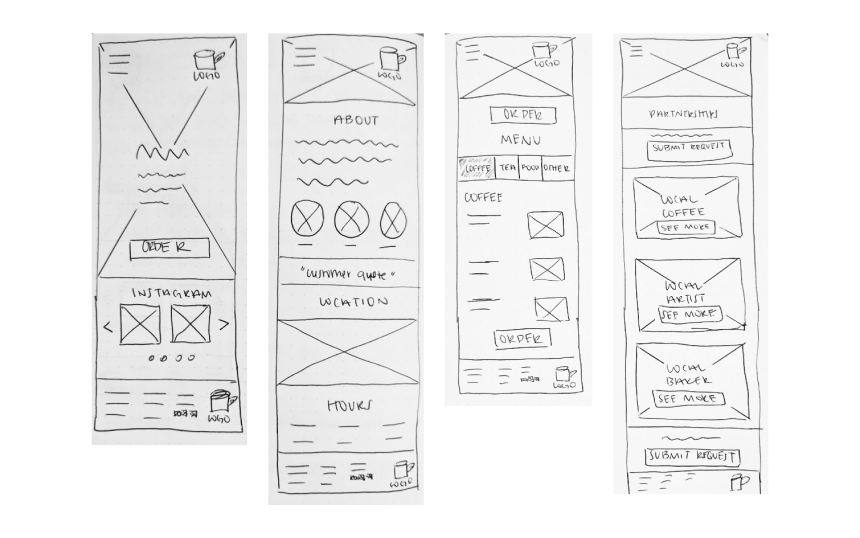
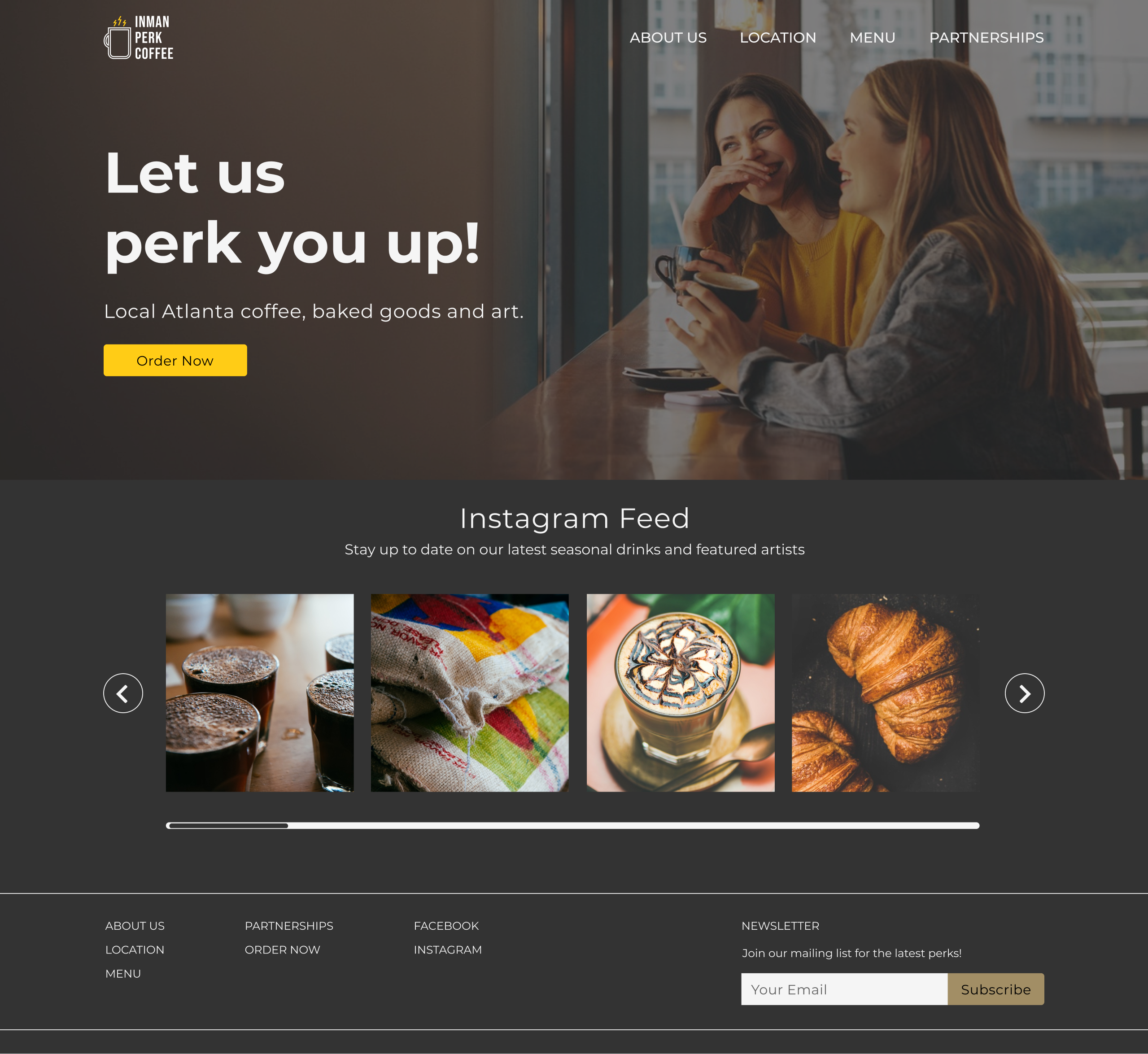
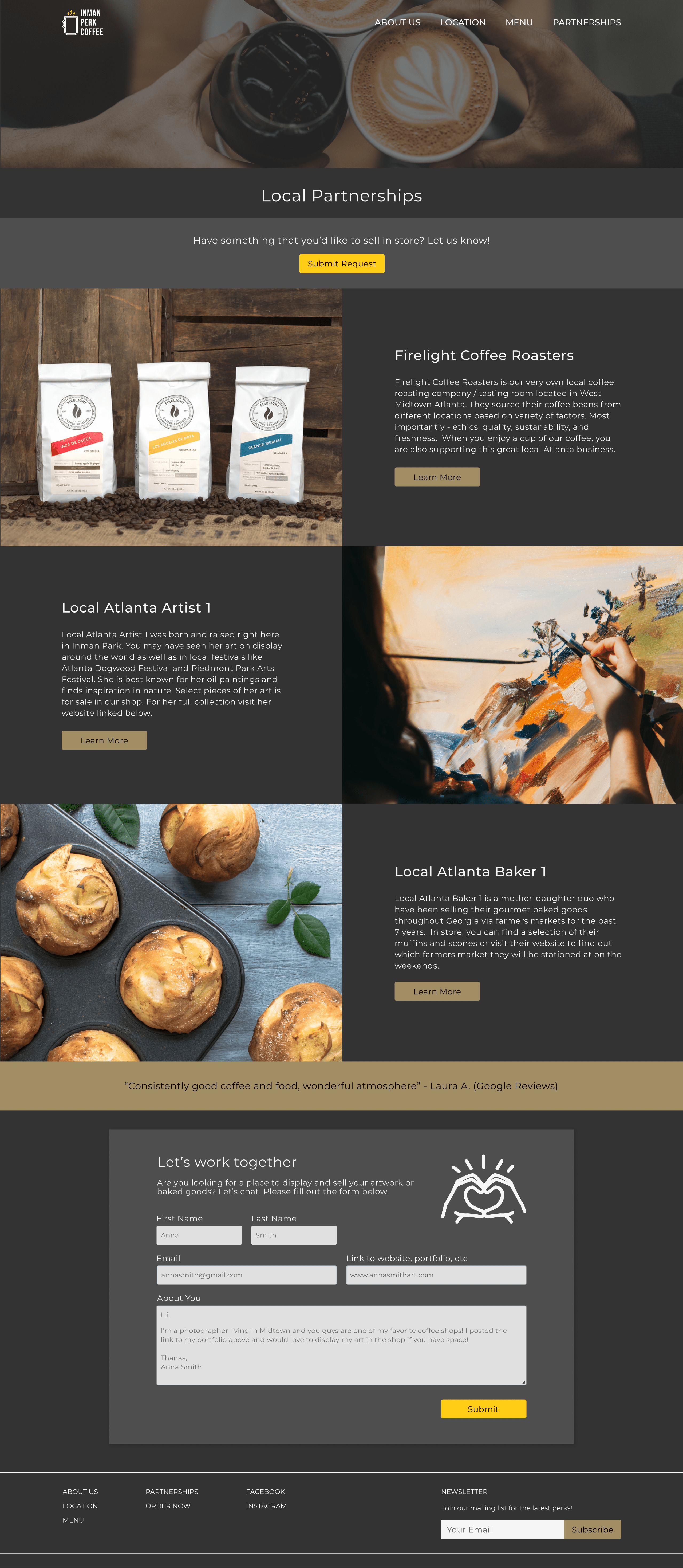
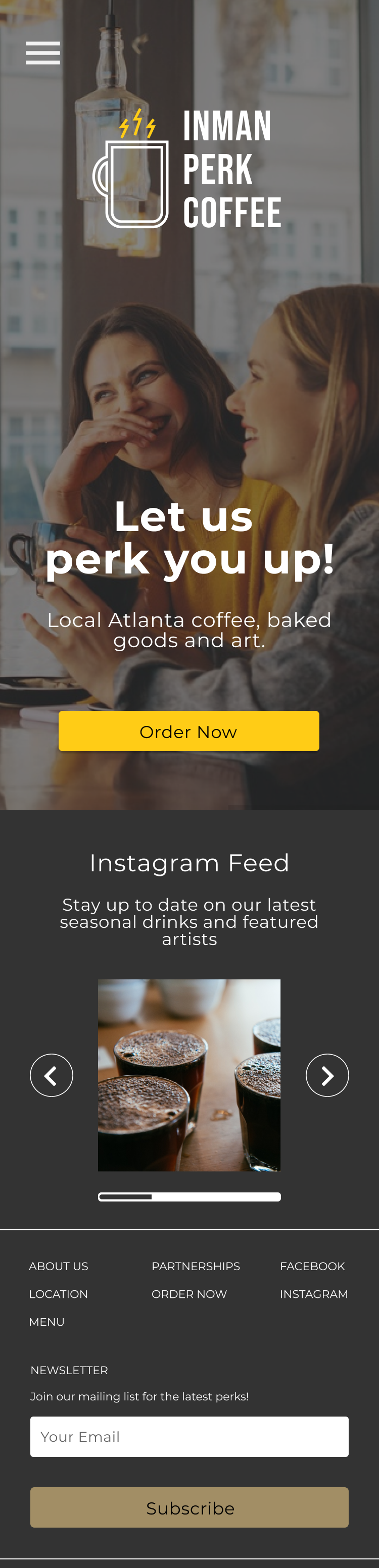
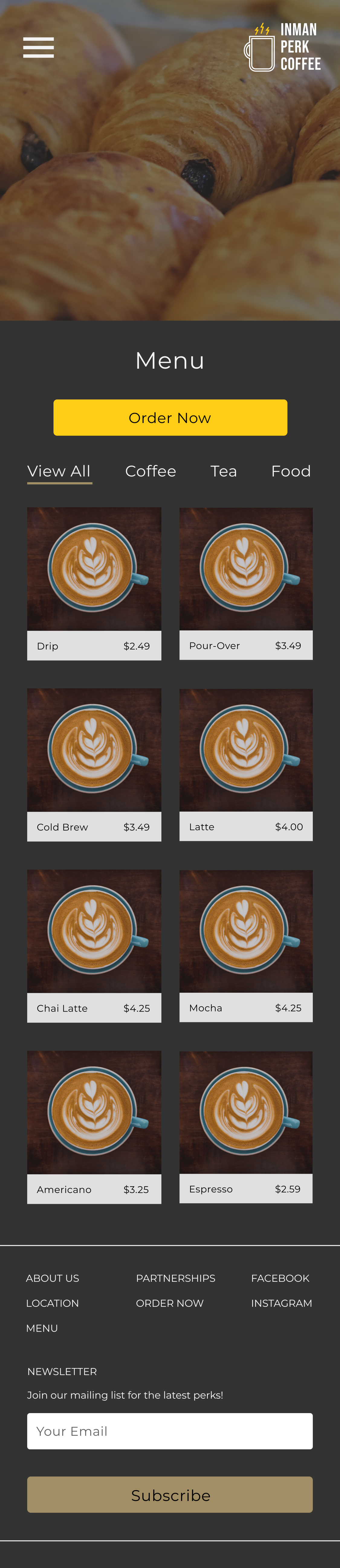
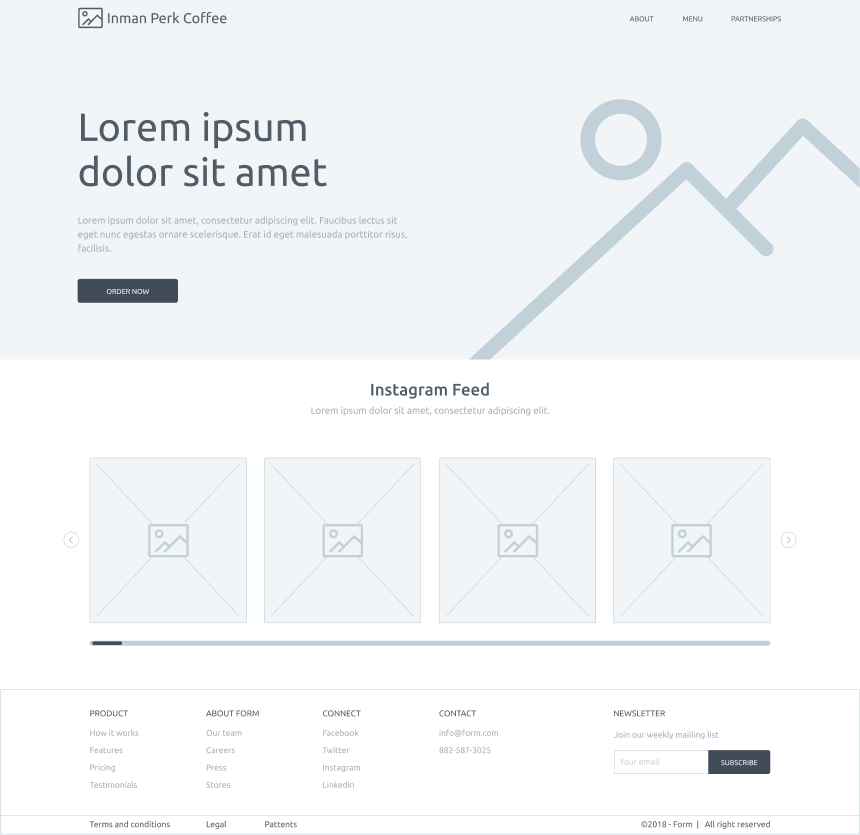
After selecting the sketches I thought would best solve the problem, I digitized them in Figma. In considering the business' needs as well as the users, I decided to place an "Order Now" CTA as the primary action on the home screen. This CTA could generate additional revenue that the business was missing out on before but wouldn't get in the way of users just looking for information.
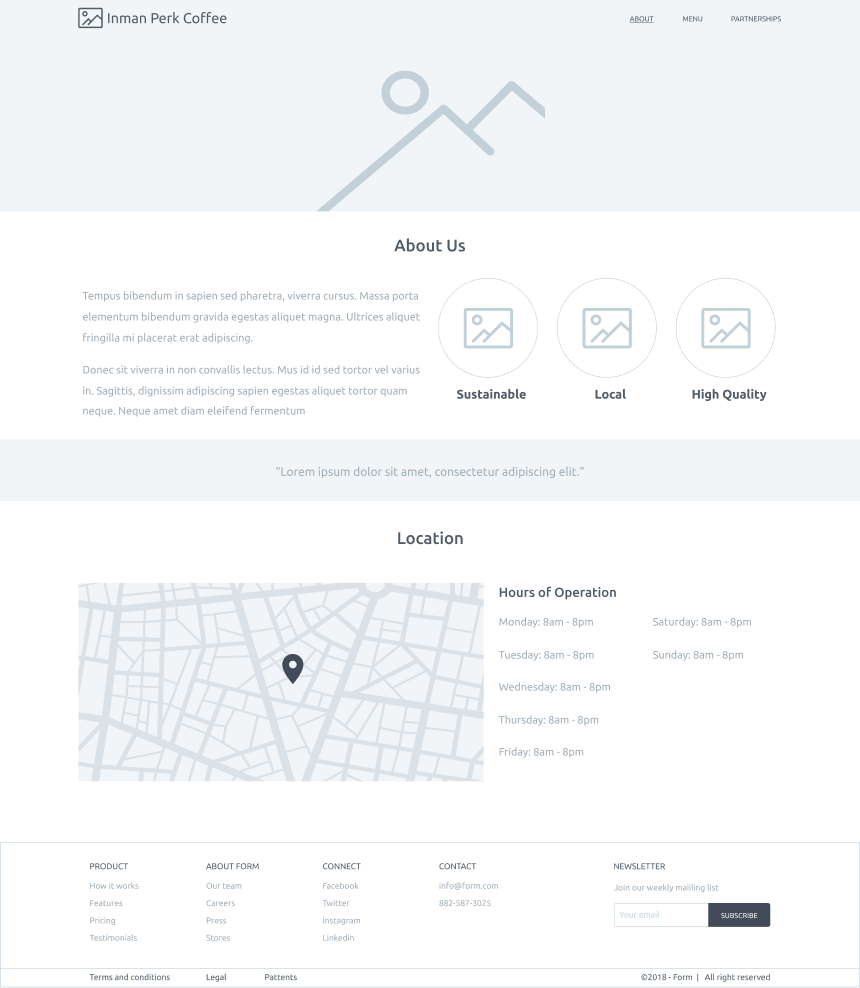
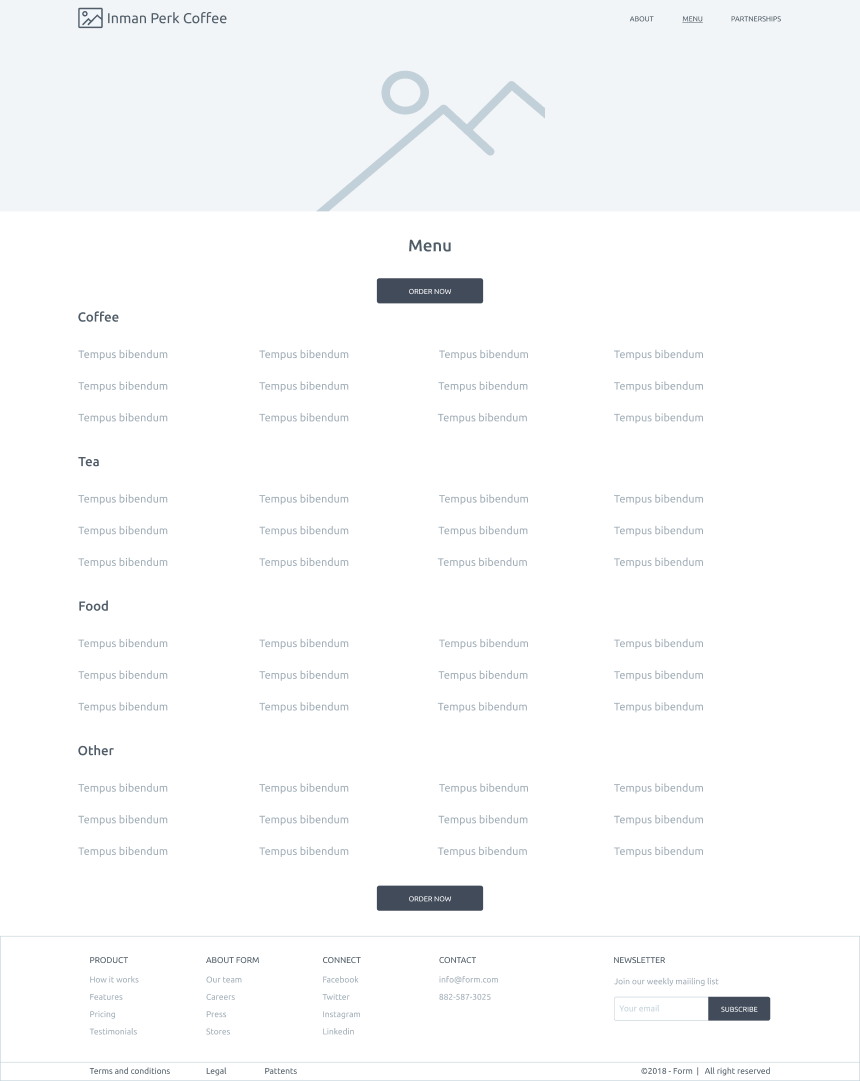
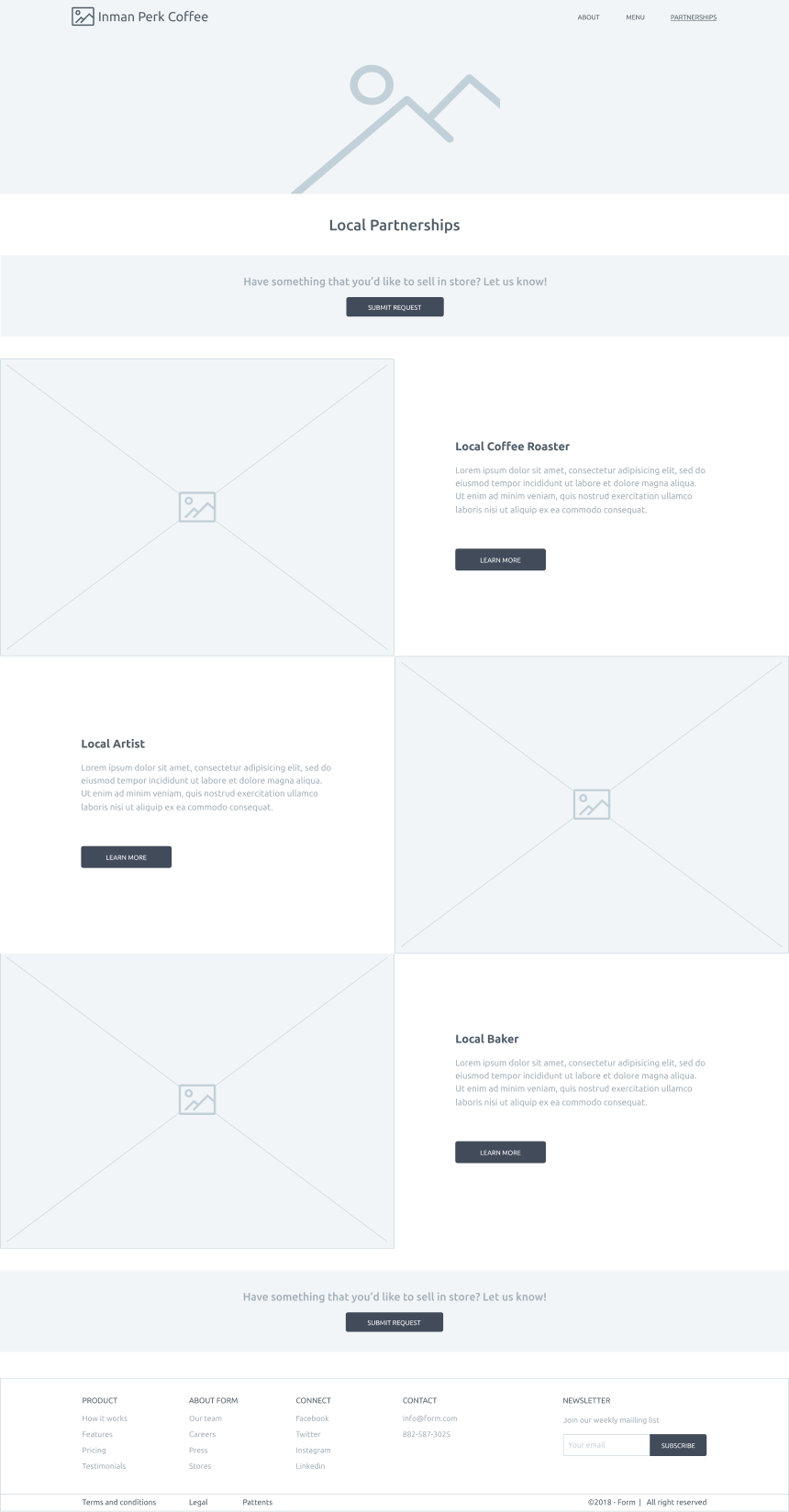
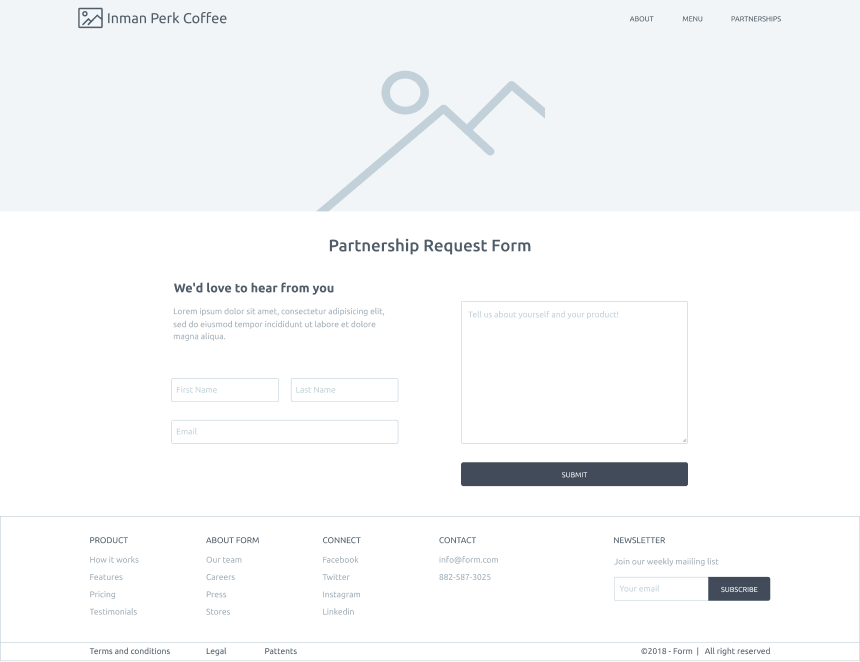
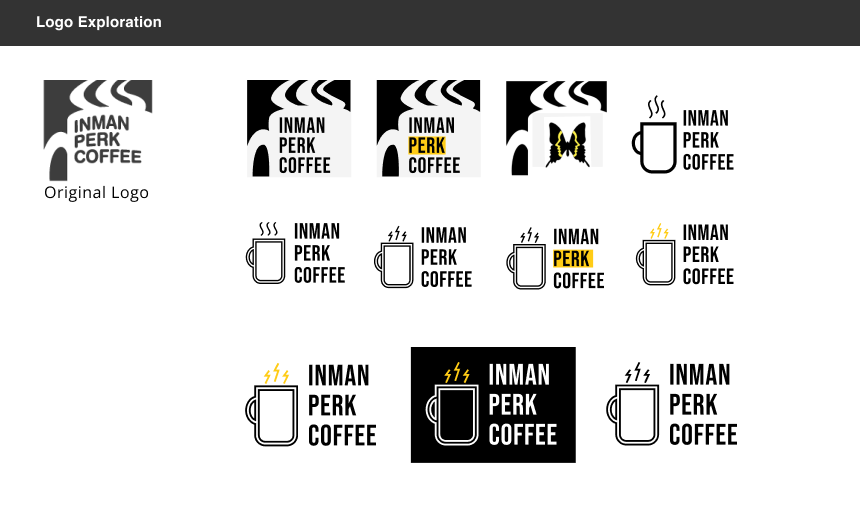
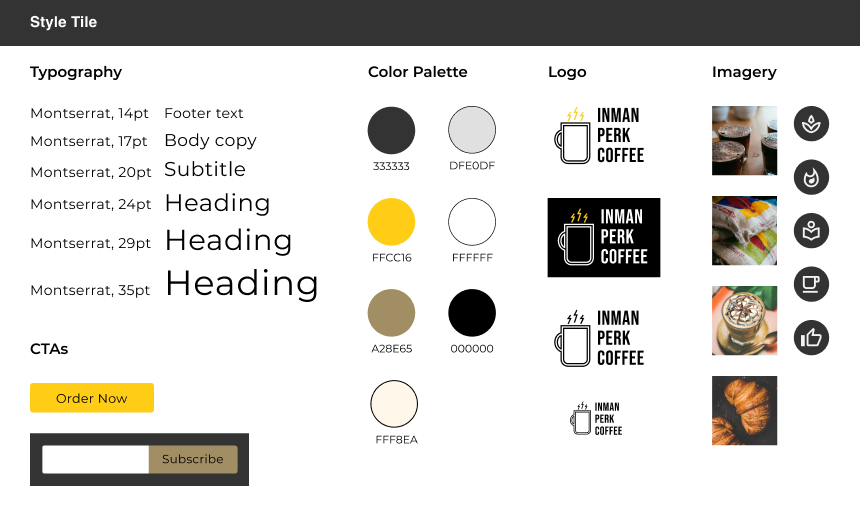
Because Inman Perk Coffee (Atlanta) is now its own separate entity, I felt that it needed distinct branding. Additionally, the old logo felt a bit generic. I used a neighborhood icon, the bright yellow Inman Park butterfly, as a jumping off point for the company’s new branding. I ended up keeping the coffee mug image but swapped out the swirls on top for electric yellow bolts - an icon to communicate that Inman Perk's coffee will truly perk you up. I then compiled all the visual design choices into a style tile to apply to the wireframes.
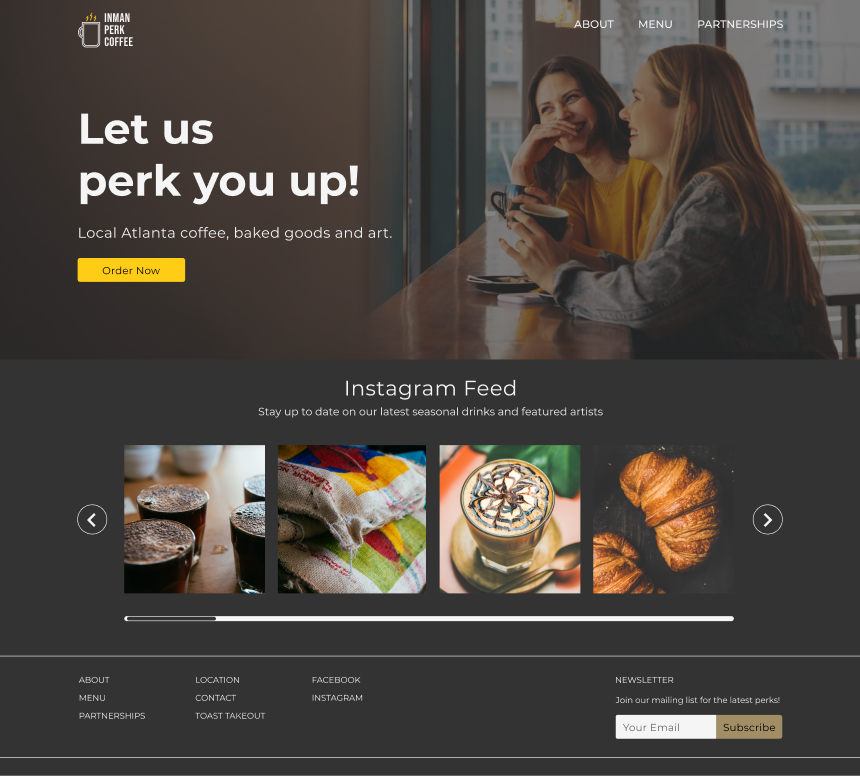
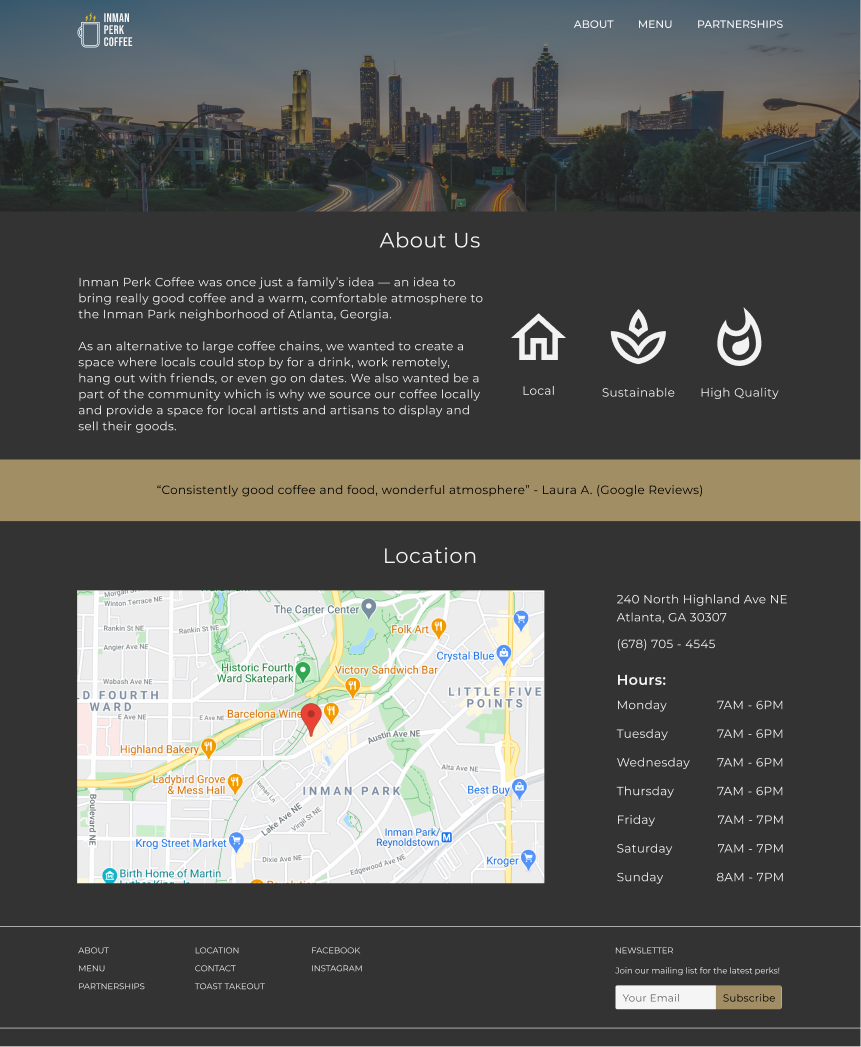
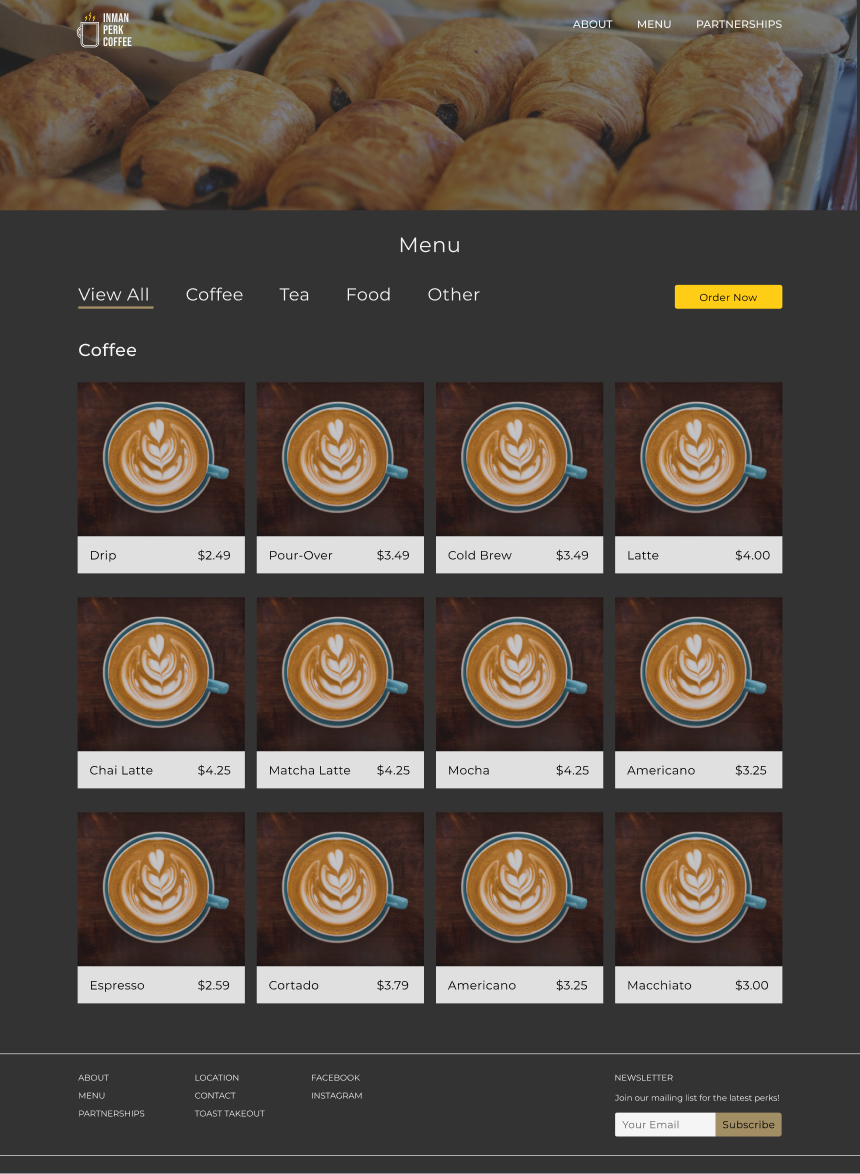
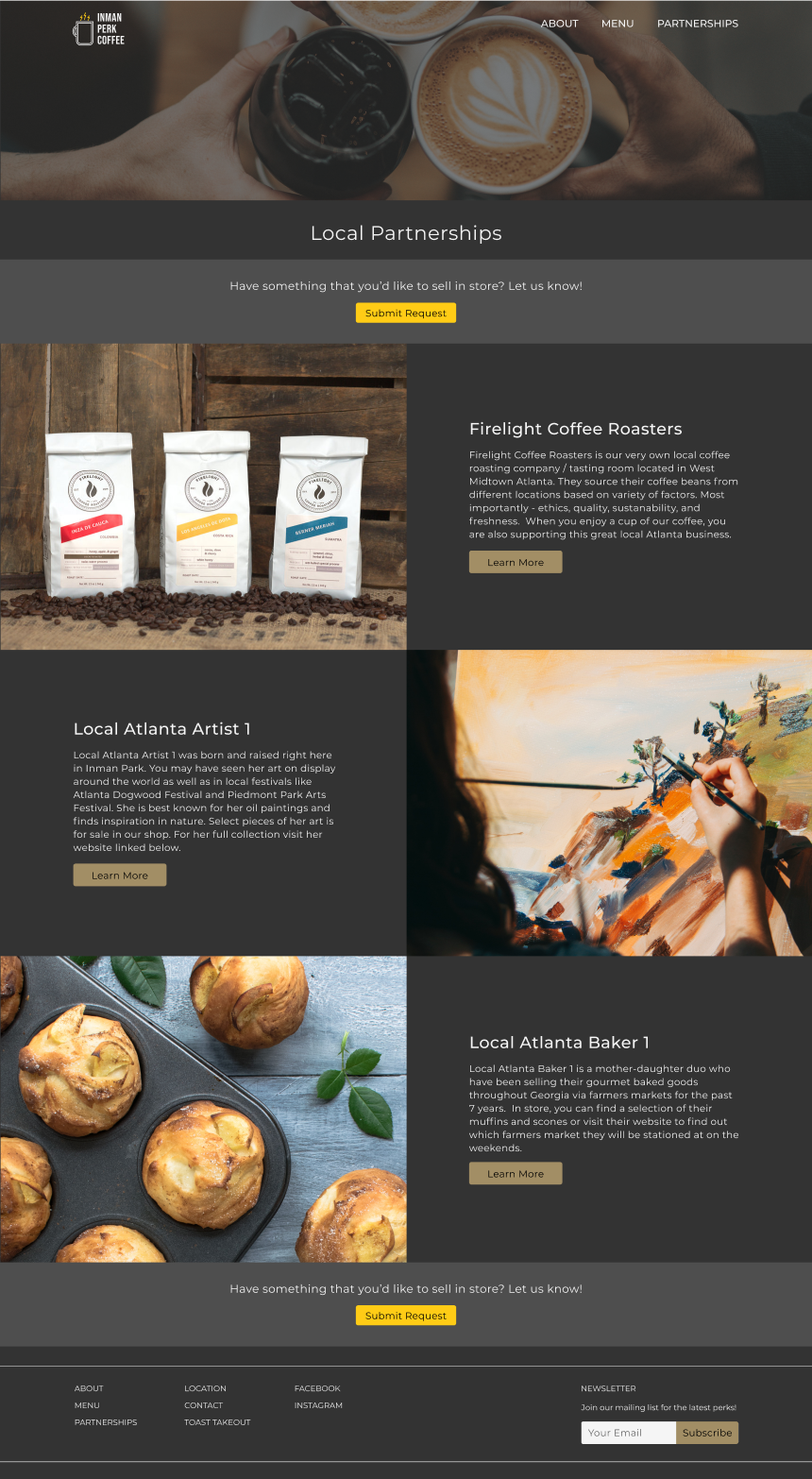
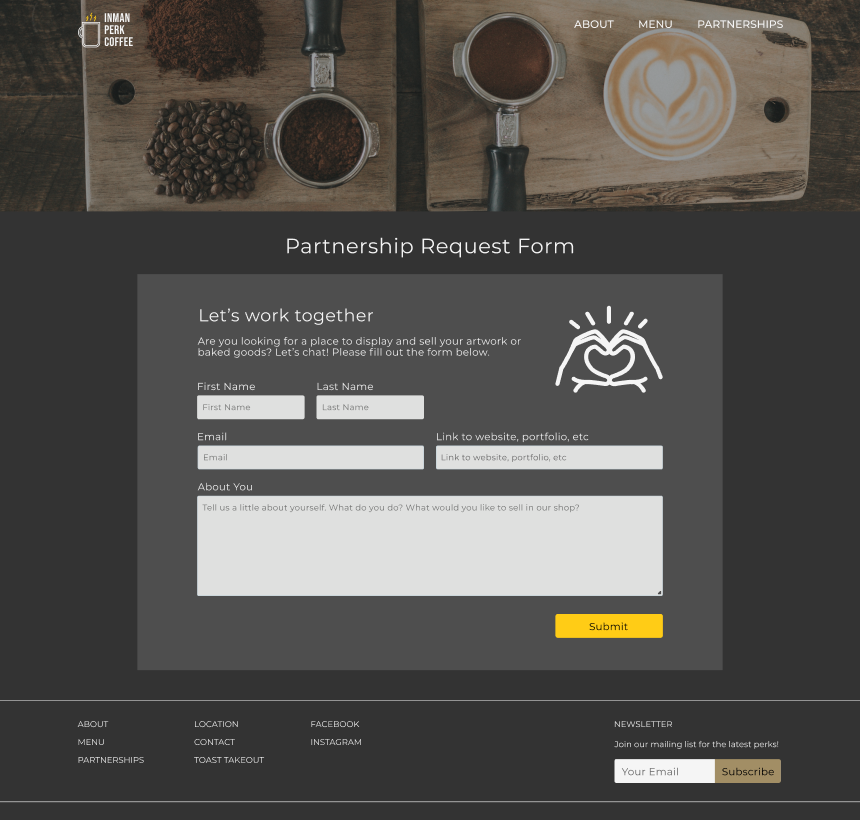
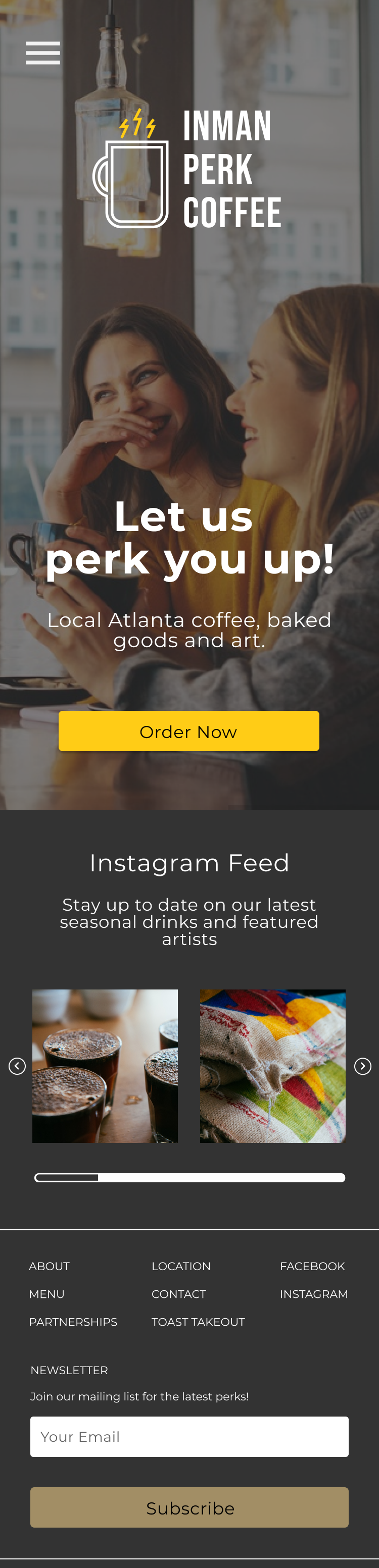

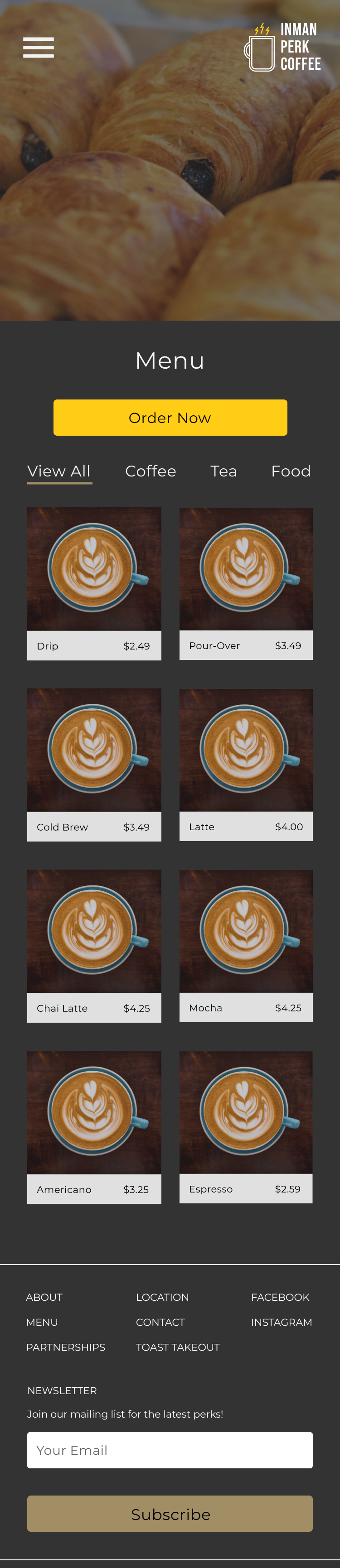

Once I applied the UI designs, I created an interactive high-fidelity prototype of the desktop screens in Figma.
In order to validate my design solutions, I recruited 5 participants to test out the prototype using Google Meet and Maze.
Among 5 participants, ages 18-50, who drink coffee at least 3x a week and purchase coffee outside of home at least 1x a month:
To organize and prioritize user feedback, I created an affinity map. Because I only had 80 hours to complete this project, I needed to decide which issues to work on first. With the results from the affinity map, I could clearly identify what was a priority. Click the image below to enlarge.
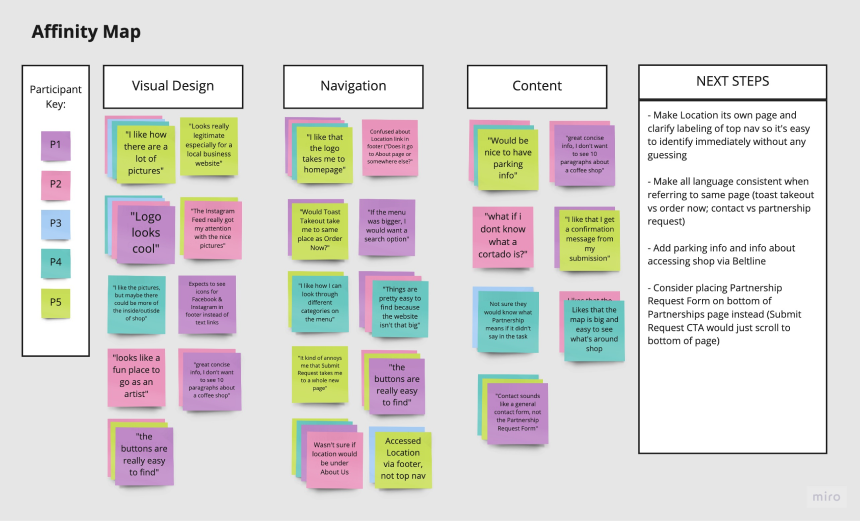
Based on the user testing results, I made the priority revisions to the product: